Free includes the full workflow
Create jobs, capture or import before and after photos, use the ghost overlay to match after shots, organise larger jobs with optional Job Areas, and complete 10 exports.
MadeGood for iPhone
MadeGood helps you capture matching before and after photos, keep job details organised, and send clear results from your iPhone.
Made for work on the move
MadeGood keeps the useful part of before-and-after job photos close at hand. Start a job, capture before photos, return later to line up the after shots, then send the result through Messages, Mail, AirDrop, or the apps you already use on iPhone.
Practical guide
Read our guide to taking better before-and-after job photos for a practical approach to framing, matching the finished view, and presenting the result clearly.
See MadeGood in action
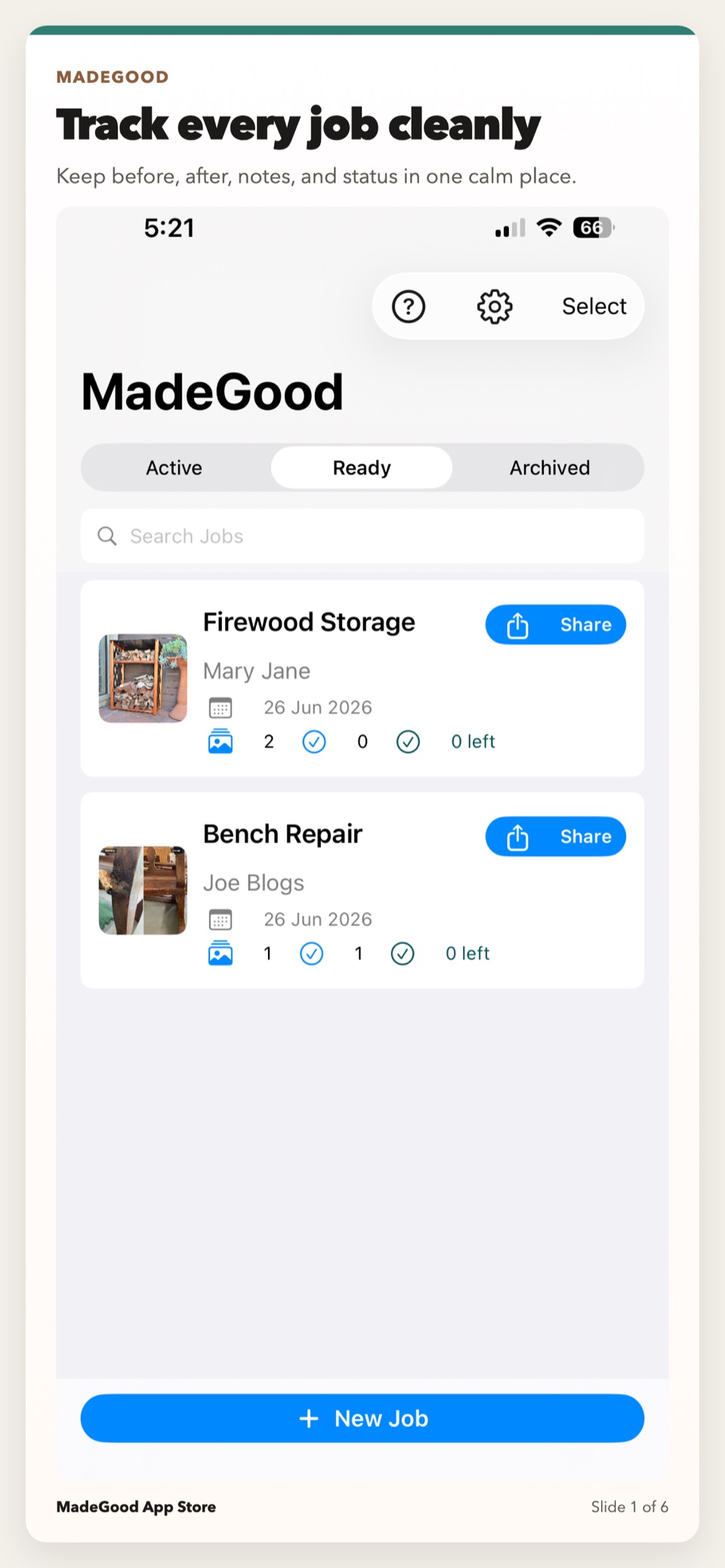
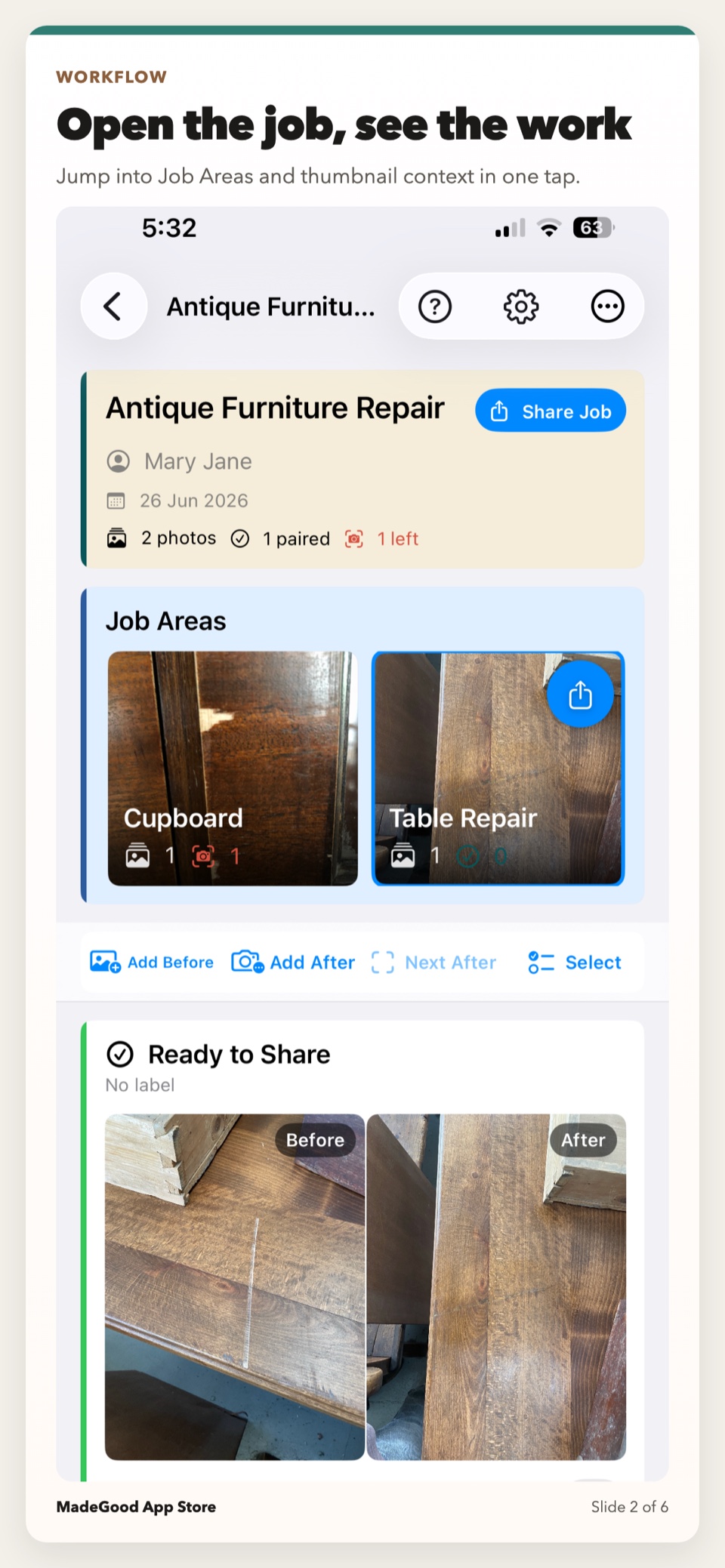
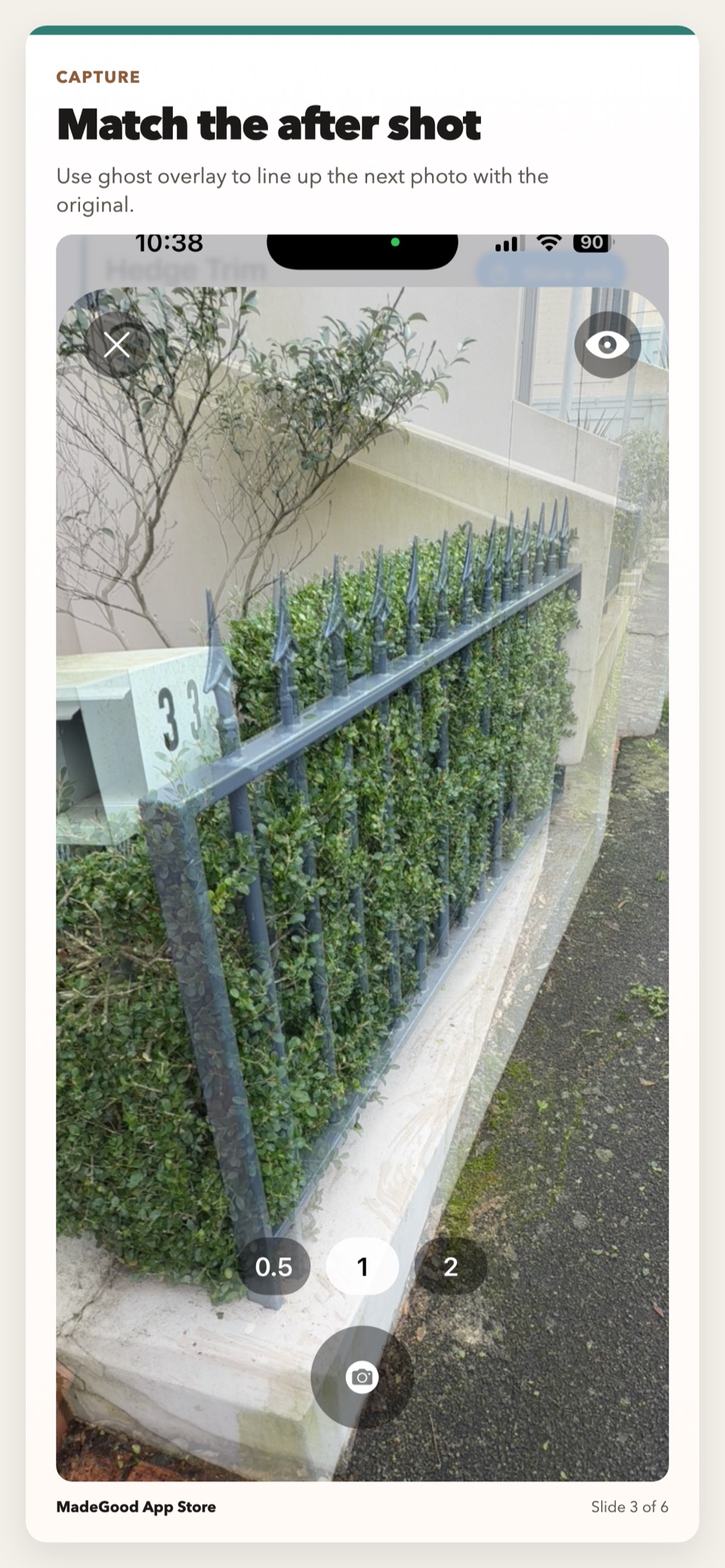
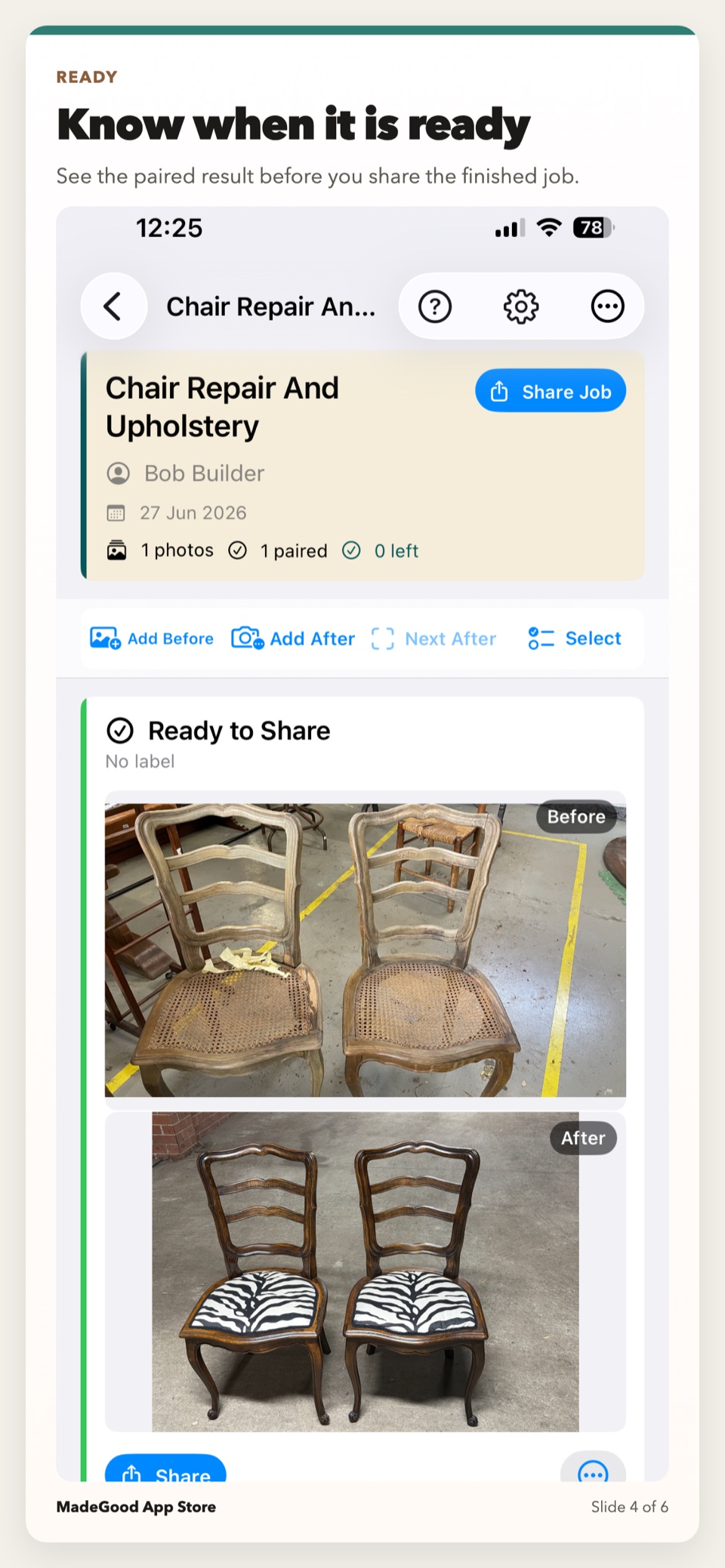
Keep the work organised, return to the right context, line up the after shot, and review the result before it leaves your iPhone.
Free to start
Create jobs, capture or import before and after photos, use the ghost overlay to match after shots, organise larger jobs with optional Job Areas, and complete 10 exports.
Unlock unlimited sharing and export for single photos, before/after pairs, selected areas, and whole jobs. Pro is a one-time App Store purchase, not a subscription.
The essentials
Keep every detail of a job together instead of forcing the work into a single before and after image.
Use the original photo as a ghost overlay when capturing the finished result.
Group photos by room, section, stage, or task when a larger job needs more structure.
Send combined before-and-after images or separate originals for one pair, an area, or a whole job through Messages, Mail, AirDrop, or the apps you already use.
Who it is for
MadeGood is built for repairers, tradespeople, cleaners, property maintenance teams, renovators, and anyone who needs organised before-and-after job photos without a complicated field-service system.
Few taps, clear result
Common questions
No. MadeGood does not require an account. Jobs stay local unless you share them or add them to an optional team folder you choose in Files.
MadeGood is free to start. You can use the full job-photo workflow and complete 10 exports before upgrading.
MadeGood Pro unlocks unlimited sharing and export. It is a one-time App Store purchase, not a subscription.
Yes. Optional Job Areas can group photo pairs by room, section, stage, or task while simpler jobs can remain one list.
Send combined before-and-after images or separate originals for one pair, an area, or the whole job through Messages, Mail, AirDrop, Files, or another app on your iPhone.
MadeGood stores jobs locally by default. Optional Team Sharing writes selected jobs to a folder you choose in Files; MadeGood does not run a sync server, analytics, advertising, or tracking.
You choose where work goes
MadeGood has no account, tracking, analytics, advertising, or developer-operated sync server. Photos leave local storage only when you share them, use the Touch-Up Mixer handoff, or add a job to a team folder you selected.
Read the privacy policy